See what Styledown
can do for you
Professional Styling
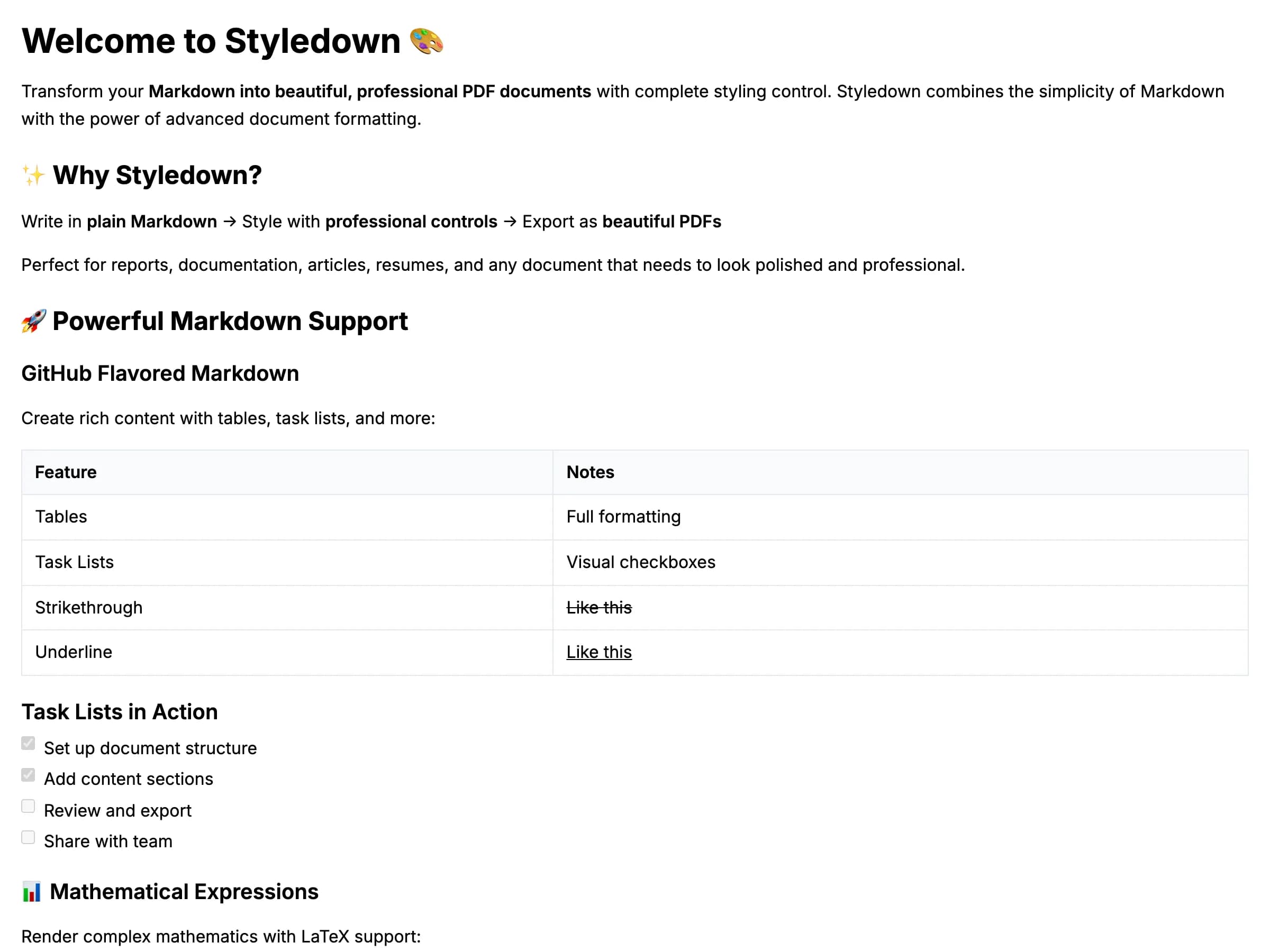
Transform your plain Markdown into beautifully formatted documents with our comprehensive styling system.
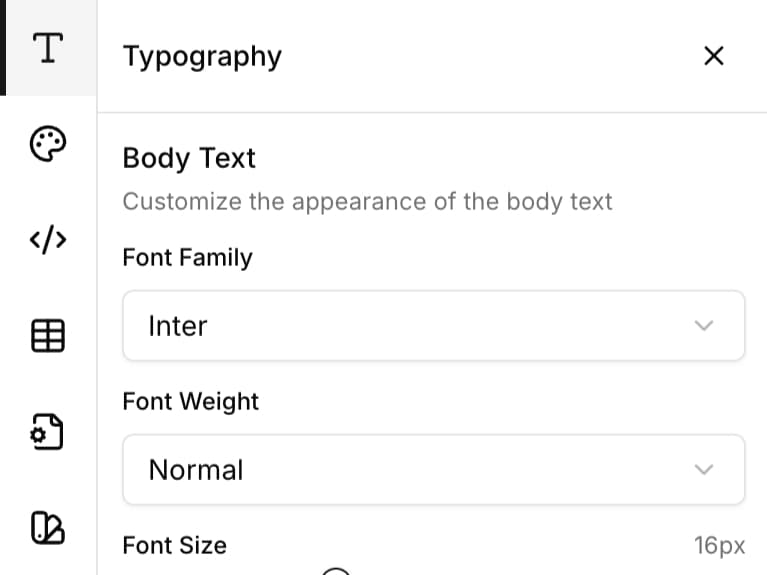
Typography Control
Fine-tune fonts, sizes, spacing, and text appearance with precision
- 20+ font families
- Precise size and weight control
- Line height and letter spacing
- Heading hierarchy customization
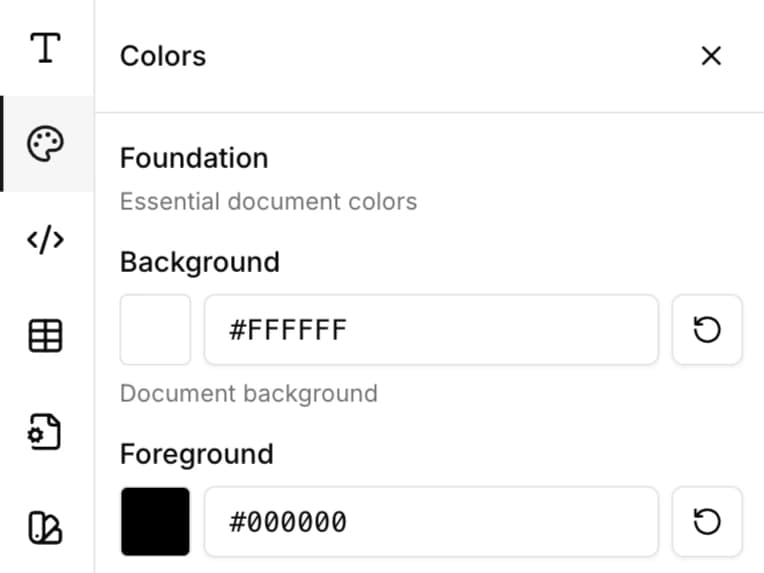
Color Themes
Customize every color in your document with our comprehensive color system
- Complete color control for all elements
- Preset and custom color palettes
- Color contrast and accessibility
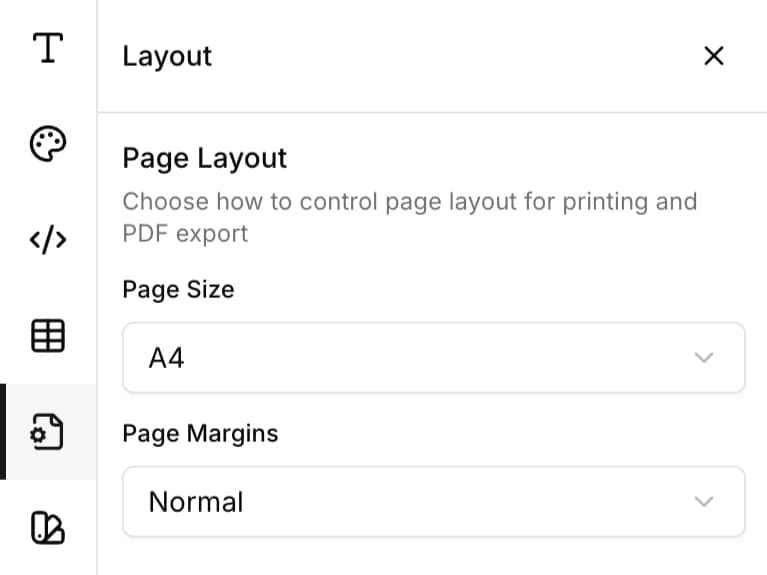
Layout Options
Control page dimensions, margins, and spacing for professional documents
- Multiple page formats (A4, Letter, etc.)
- Custom margin and padding controls
- Section spacing management
- Responsive layout options
Code Highlighting
Beautiful syntax highlighting themes for code blocks
- 10+ pre-built syntax themes
- Language-specific highlighting
- Monospace font family
- Inline code styling
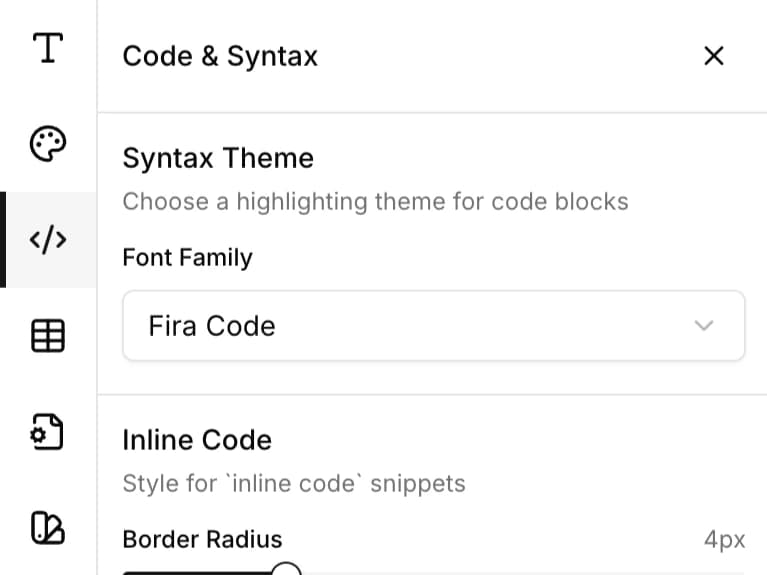
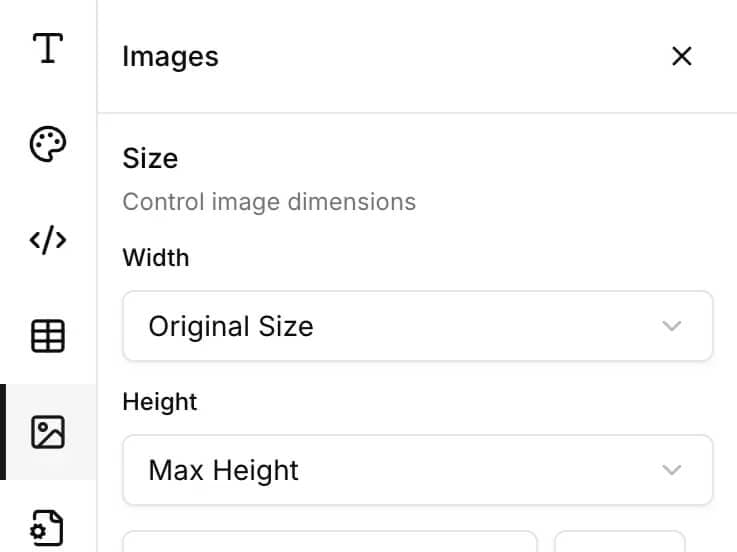
Image Styling Controls
Control image dimensions, alignment, and visual polish with borders, shadows, and spacing options.
- Size controls (width and height modes)
- Alignment options (left, center, right)
- Border radius and border styling
- Shadow effects for depth
- Custom spacing and margins
- Professional visual polish
Diagrams & Flowcharts
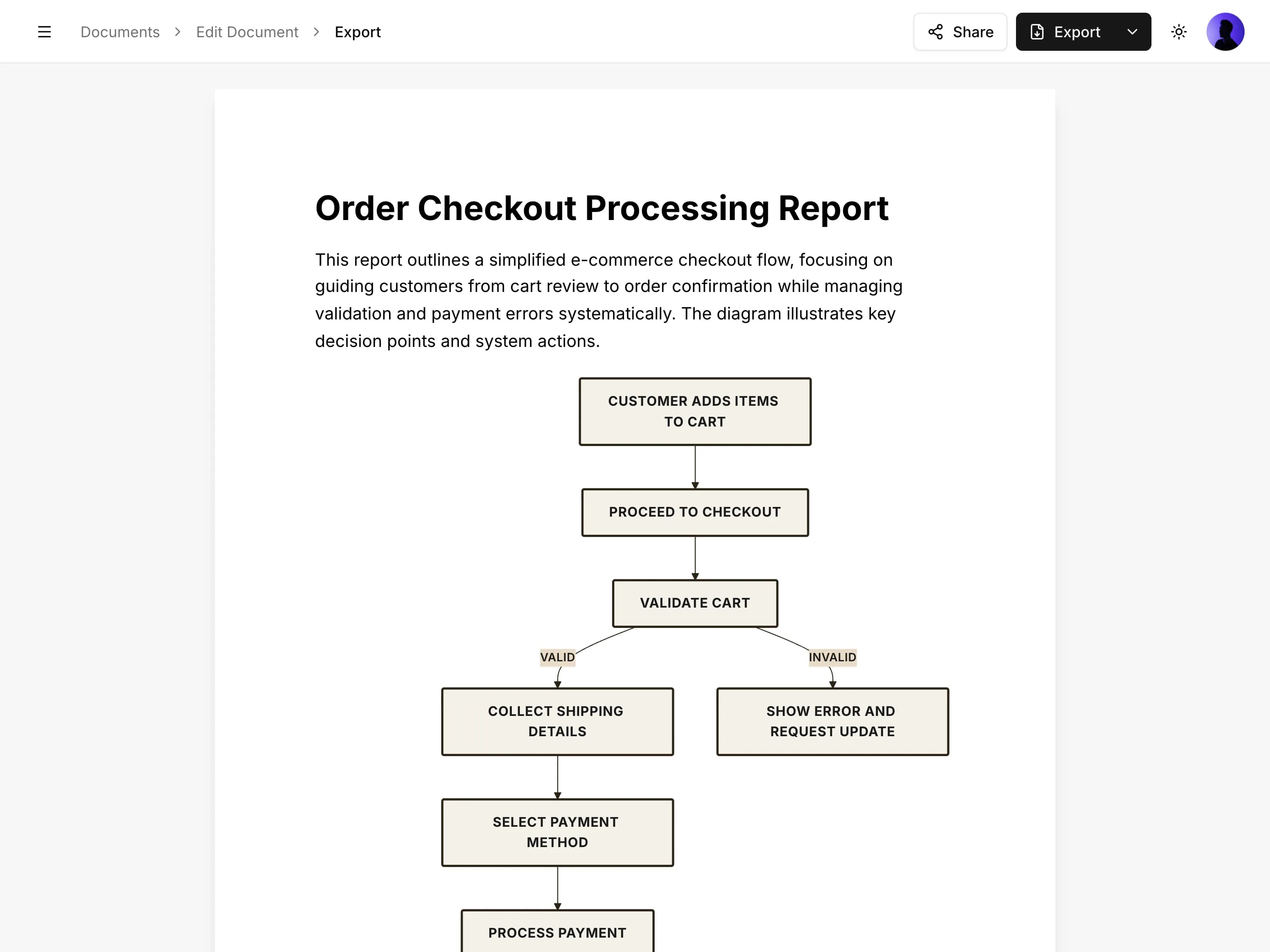
Create professional Mermaid diagrams directly in your Markdown documents with complete styling control.
Diagram Types & Syntax
Embed flowcharts, sequence diagrams, class diagrams, Gantt charts, and more using standard Mermaid syntax.
- Flowcharts and process diagrams
- Sequence diagrams for workflows
- Class and state diagrams
- Gantt charts and timelines
- Standard Mermaid syntax
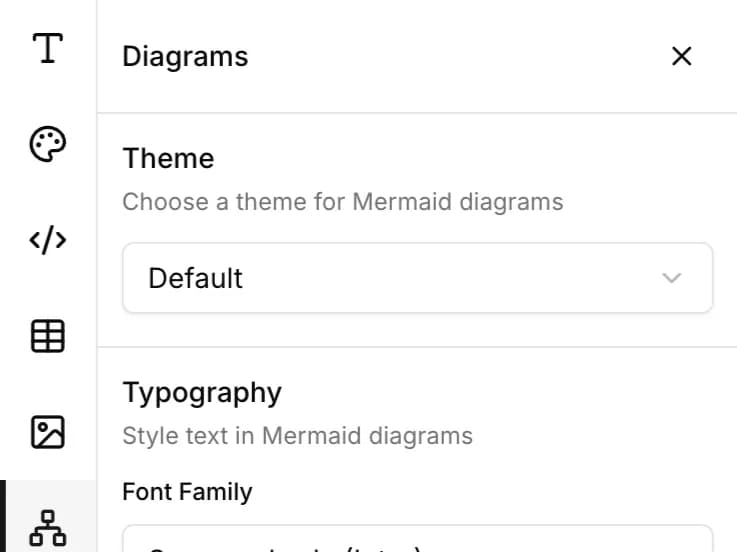
Complete Styling Control
Customize every aspect of your diagrams with professional themes, typography, and layout options.
- 17 professional themes to match your style
- Custom font family for diagram text
- Font size scaling (80-140%)
- Alignment options (left, center, right)
- Live preview as you type
Export Formats
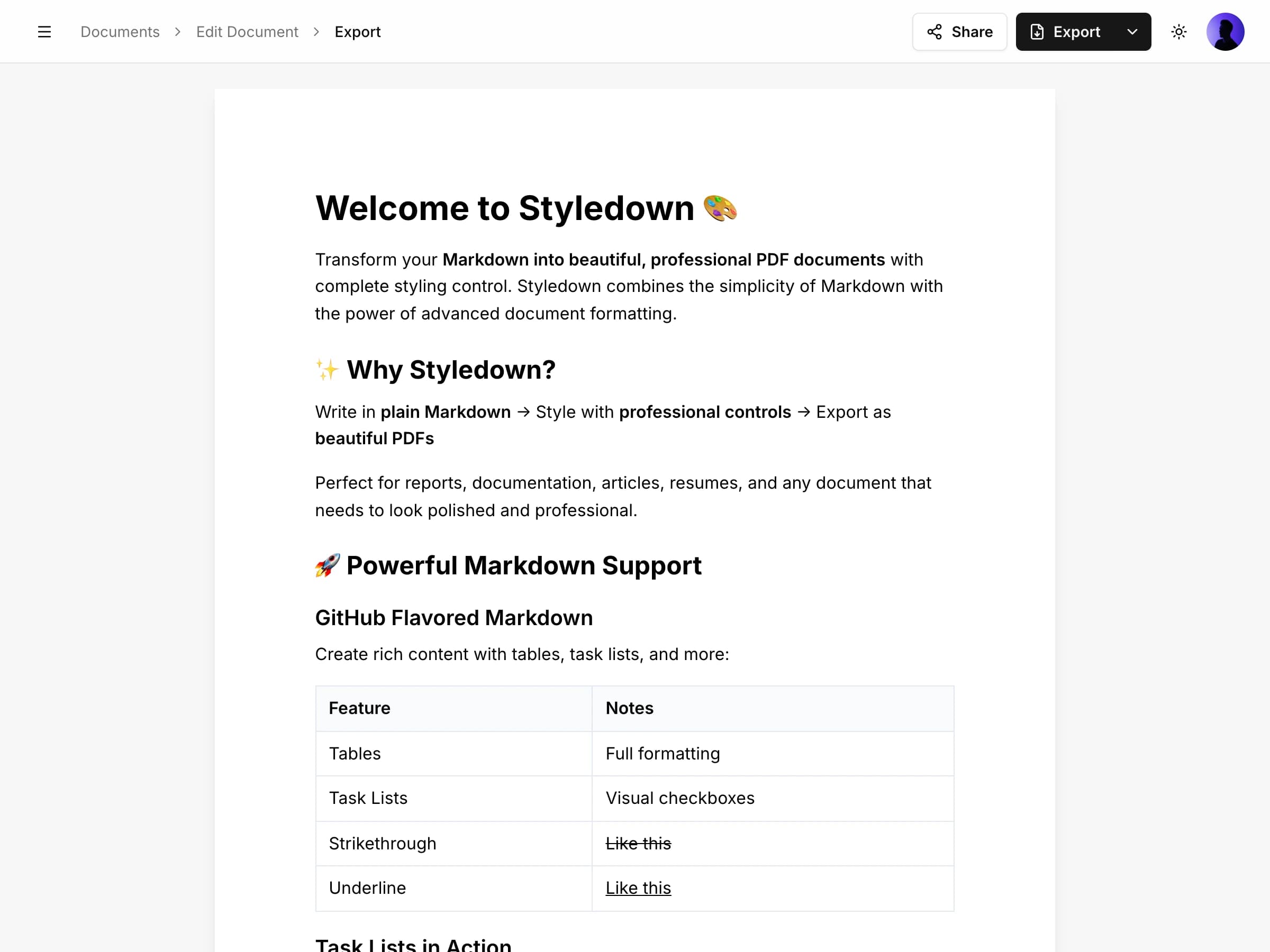
Export your beautifully styled documents in multiple formats to share with anyone, anywhere.
PDF Generation
Generate professional PDF documents with pixel-perfect styling preserved
- High-quality PDF output
- All styling preserved
- Optimized file sizes
- Instant generation
Web Publishing (HTML)
Create standalone HTML files for web publishing and sharing
- Self-contained HTML files
- Responsive design
- Zero dependencies needed
- Works in any browser
Sharing & Collaboration
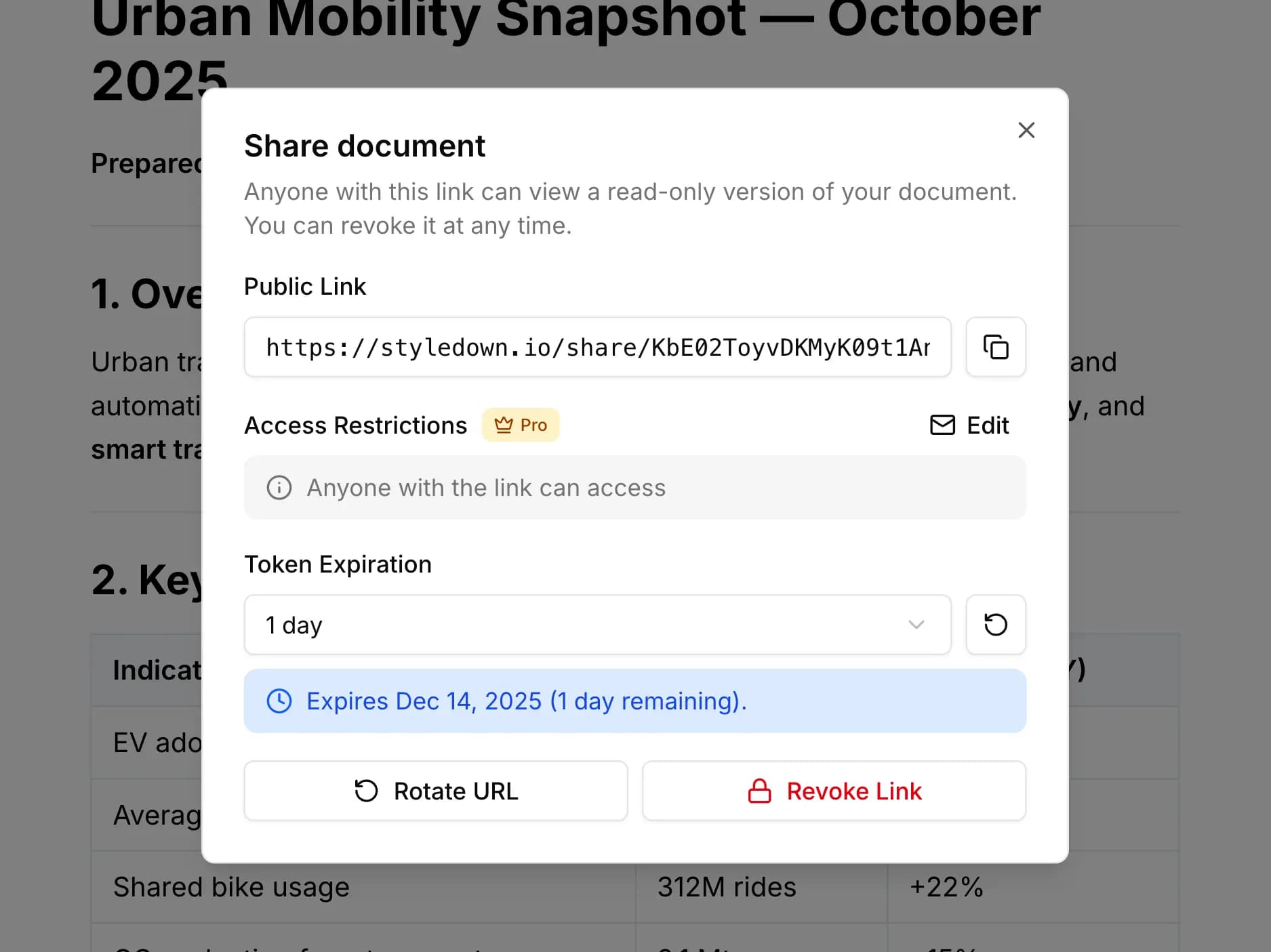
Share your documents securely and give others access while maintaining complete control.
Secure Private Links
Generate secure share links with token-based access control and instant revocation
- Token-based security
- One-click revocation anytime
- Private by default
- Link rotation
Advanced Access Control
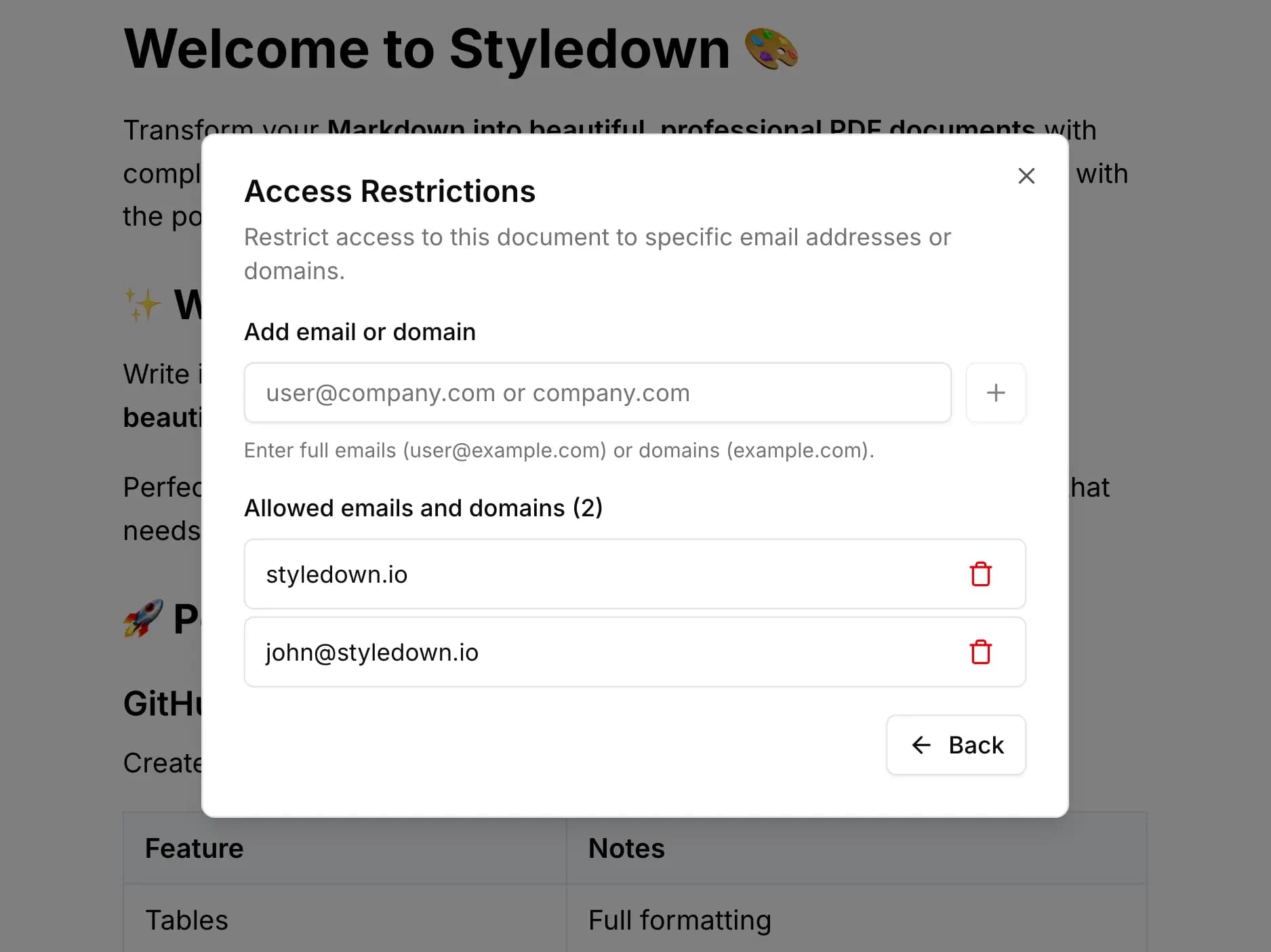
Fine-grained access control with email restrictions and automatic link expiration
- Email and domain-based restrictions
- Flexible expiration presets (1 day to 1 year)
- Automatic link expiry
- Whitelist specific users or domains
Public Share Pages
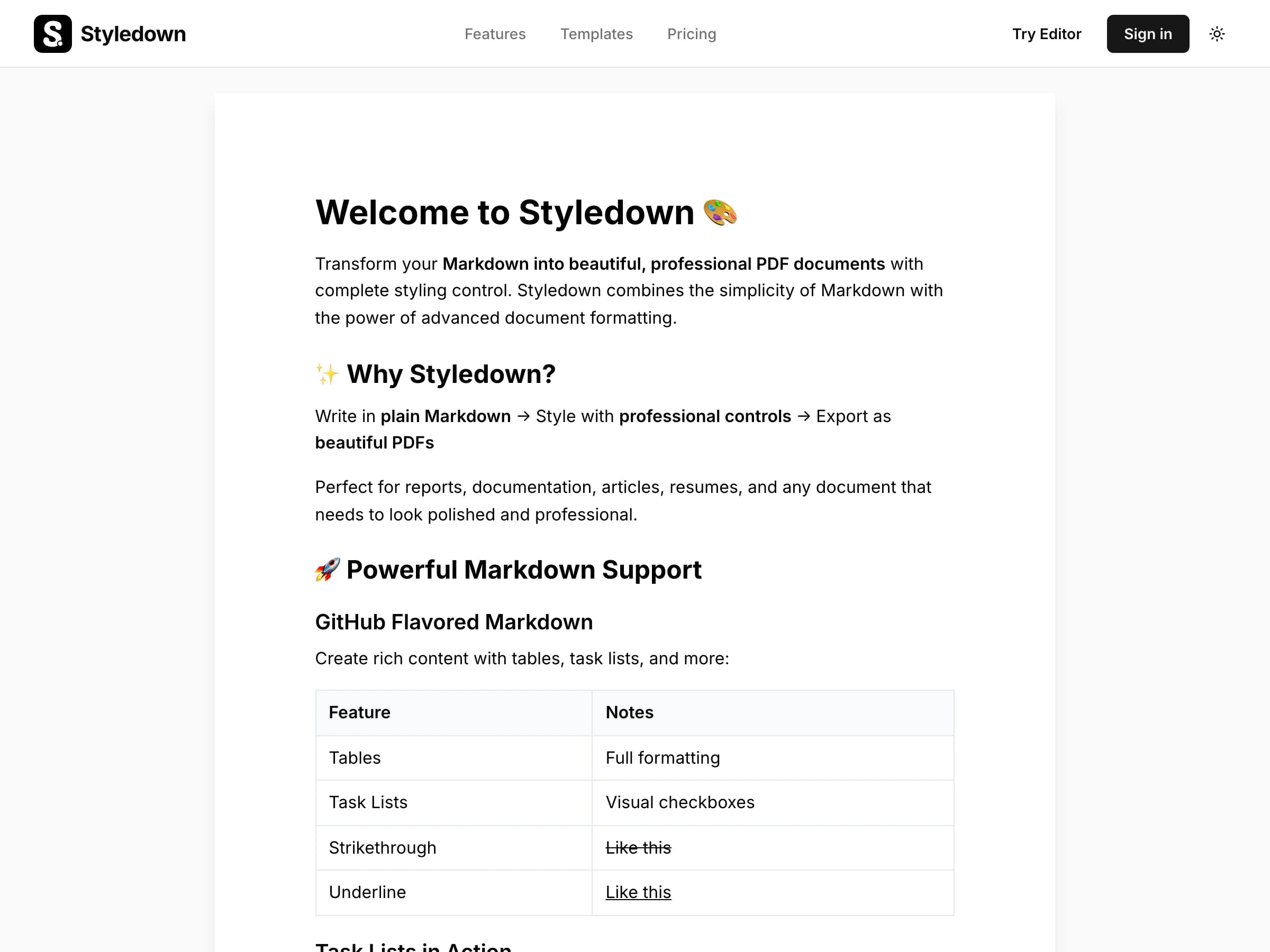
Share polished, professionally styled documents with viewers across the web
- Public viewable documents
- Styling fully preserved
- Viewers can export formats
- Revoke access anytime
API & Integration
Build powerful integrations and automate your document workflows with our comprehensive API.
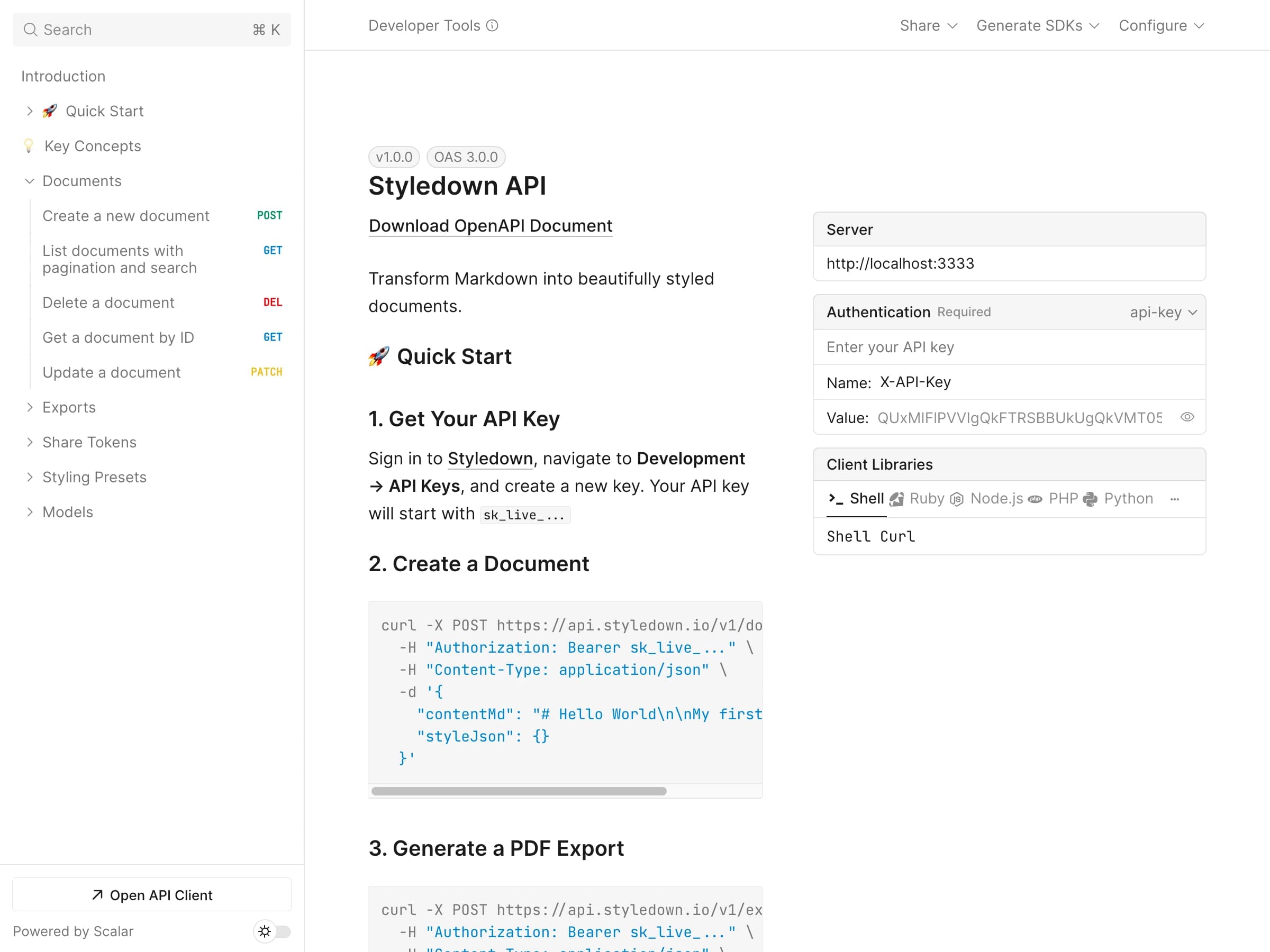
REST API
Full-featured REST API for programmatic document management
- Complete API documentation
- All CRUD operations
- Pagination and filtering
Webhooks
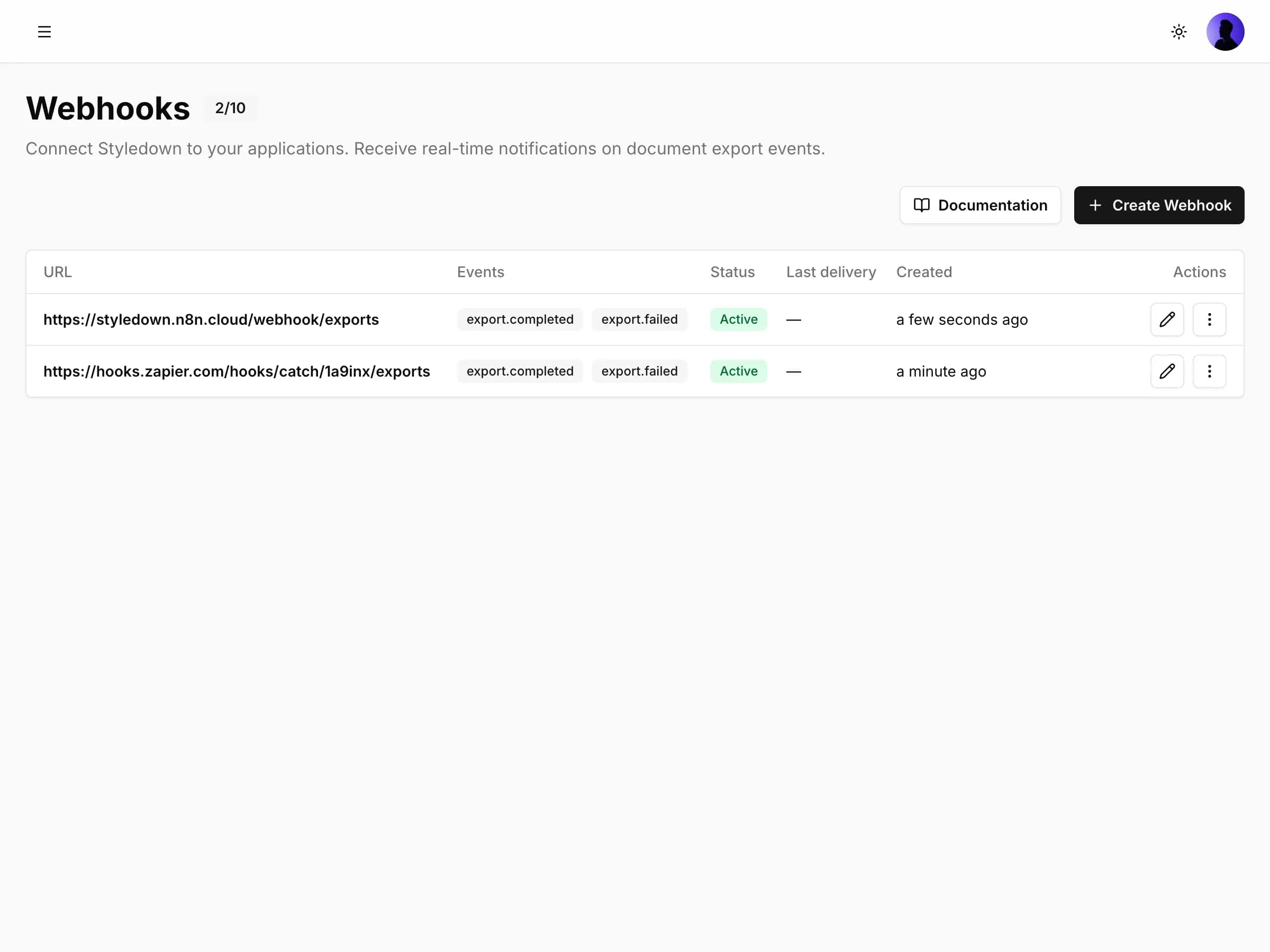
Real-time webhooks for document events and triggers
- Real-time event notifications
- Custom event subscriptions
- Retry mechanisms
- Webhook signing for security
Limits & Security
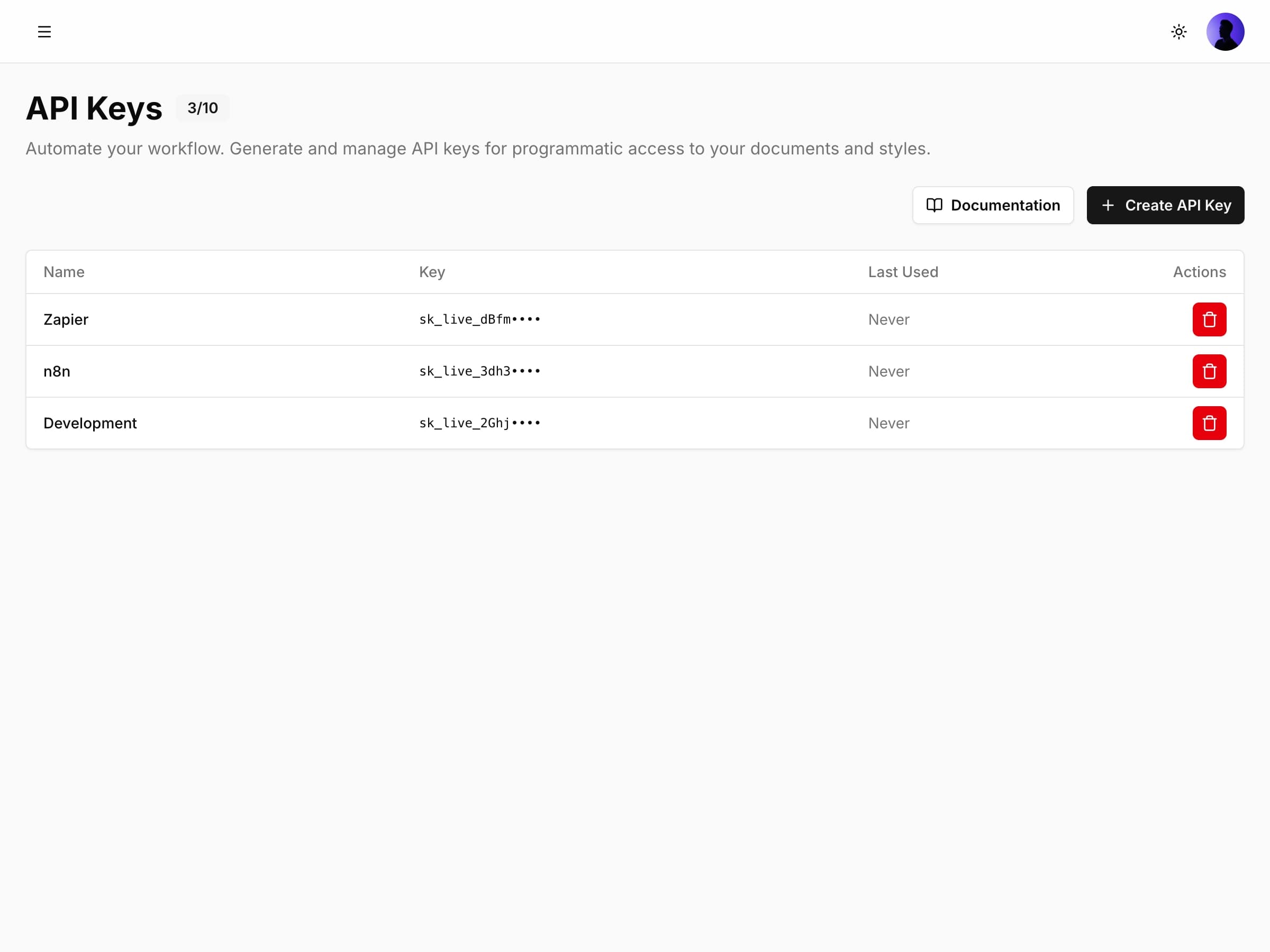
Enterprise-grade security with rate limiting and access controls
- API key management
- Immediate API key revocation
- Rate limiting controls
Ready to transform your writing workflow?
Join hundreds of writers, developers, and teams who've already discovered the power of professional document creation with Styledown.